
AI Text Extractor
Pull readable text from photos and screenshots with OCR, fast and accurate.
Drop an image here or click to upload.
Supports automatic recognition across 100+ languages. Formats: BMP, JPG, PNG, WEBP. Web uploads up to 10 MB per file.
How to extract text from images with AI?
Turn screenshots and photos into editable text in three steps with TranslatePhotos.
01
Upload your image
- Use JPG, PNG, or WEBP up to about 10MB.
- Drag and drop onto the hero area or click to pick a file from your device.
02
Run OCR
- After you are signed in, or on a guest trial, click Extract text.
- We upload the image securely, then run cloud OCR to read visible text.
03
Copy or reuse
- Review the extracted text in the results area.
- Copy it to your clipboard or switch to a new image anytime.
Product advantages
Built for teams that need dependable OCR, from mixed languages to messy real-world photos, with TranslatePhotos.

High precision
Based on strong industry models, recognition accuracy stays high for common business languages. Actual results still depend on image quality, fonts, and scene complexity.
98%
English
97%
Chinese
90%
Japanese
90%
Korean

Multilingual support
Supports automatic and mixed recognition across nearly 100 languages, including regional and minority scripts, for global content and travel captures.
96
Languages supported
4
Minority languages
Supported
Auto-detection
Versatile scenarios
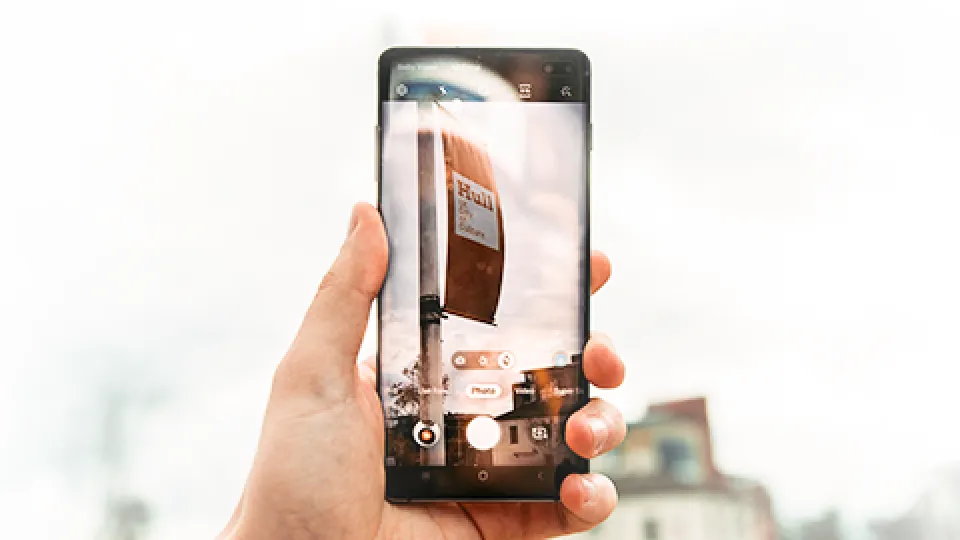
Works across uneven lighting, tilted angles, slight blur, and mixed horizontal or vertical layouts, so field shots and screenshots stay usable.
Broad compatibility
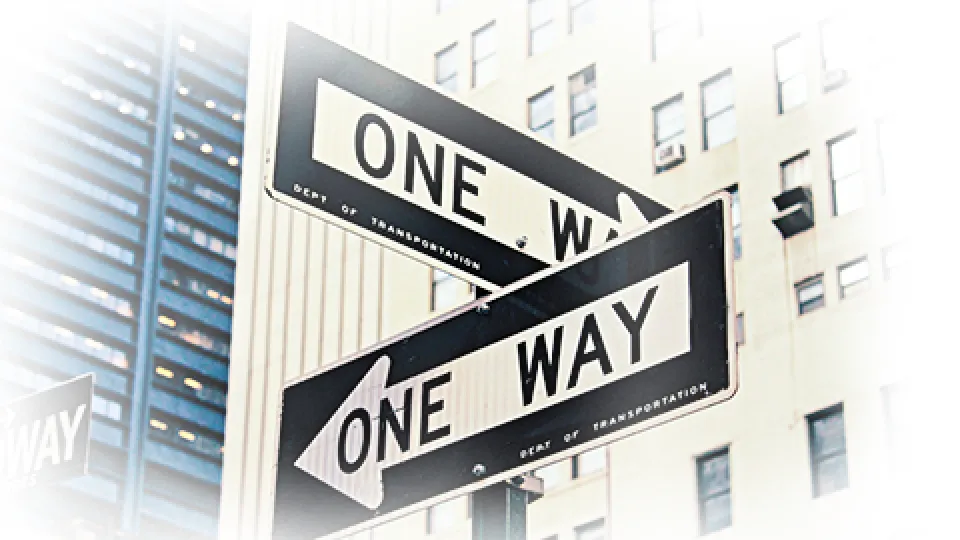
Beyond flat documents, recognize text in road signs, storefronts, product packaging, and printed graphics so one pipeline covers more of your visual inventory.



Mature technology & secure service
Trusted by teams worldwide with always-on cloud capacity, strong concurrency, and low-latency responses so OCR stays available when workflows need it.
CSA STAR
Cloud Security Alliance STAR-aligned practices for cloud service operations.
ISO / IEC 27001
Information security management practices for the systems and processes handling your data.