
AI Photo Translator
Translate photos using advanced artificial intelligence technology.
Drop photos here or click to upload. JPG, PNG, and WEBP up to 10MB each.
How to automatically translate image text with AI?
Translate images into other languages in 3 easy steps with TranslatePhotos.
01
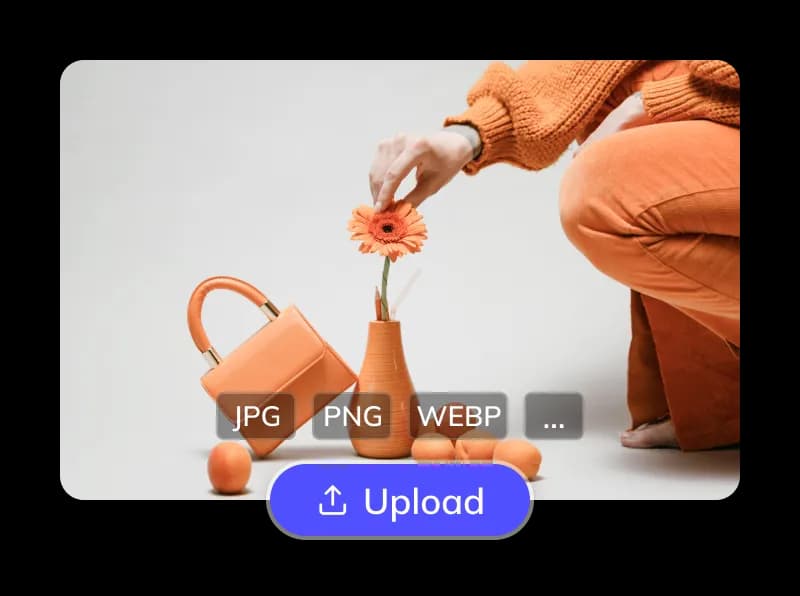
Upload image file
- Upload JPG, PNG, WEBP, and similar image files.
- Drag and drop or select local files. Batch upload is supported.
02
Select languages & options
- Auto-detect or manually select the source language and pick from 100+ target languages.
- Optionally protect product or brand text.

03
Process & download
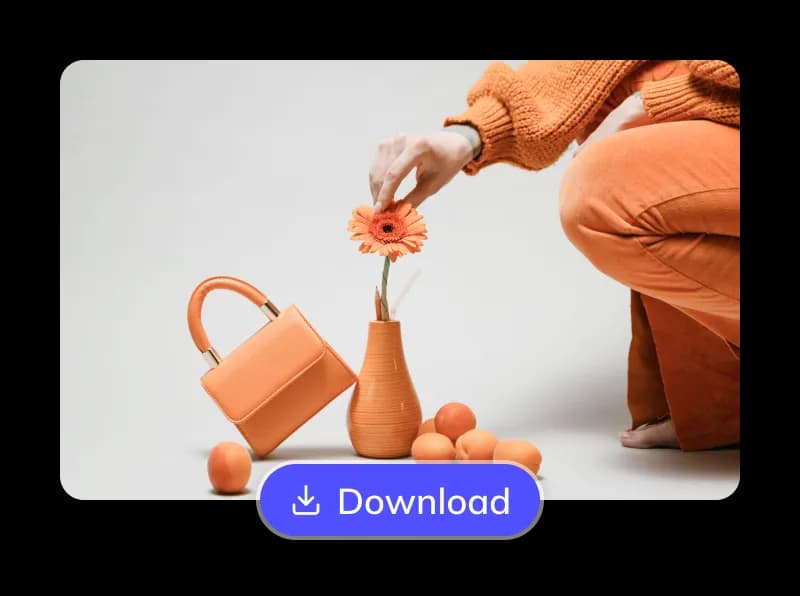
- AI extracts text with OCR, translates it, erases the source, restores the background, and refills the layout.
- Preview and download translated images in seconds, then refine if needed.
Why choose TranslatePhotos for photo translation?
TranslatePhotos tackles classic image-translation bottlenecks with automation that stays accurate from OCR through final layout.
100+ language support
Translate between 100+ languages with auto source detection and support for mixed CJK / Latin layouts.
Advanced OCR & precise translation
AI detects skewed, vertical, and stylized text, then routes translation through multiple engines and models for natural results.
Seamless original text erasure
Source text is removed cleanly while backgrounds stay sharper and more believable around the edited area.
Smart refill & typesetting
Translated text is refilled to better match the original alignment, spacing, and overall visual rhythm.
Deep e-commerce optimization
Workflows are tuned for listings, promos, and catalog assets, including better handling of brand and model strings.
Special text handling
Handles slanted text, vertical stacks, and noisy multi-line blocks with stronger recall on challenging typography.
Online editor
Fine-tune AI output directly in the browser when you want more control over wording or layout.
Bulk translation
Queue many images at once so you can translate an entire batch without repeating setup.
API integration
Automate upload, translation, and export through API-based workflows and callbacks.
Accessible & cost-effective
Start with a guest trial and credits, then scale with usage-based pricing and model tiers.
Countless refined algorithms, all to minimize post-editing
The art of precision: deeper control in AI translation
TranslatePhotos refines every stage of the stack, from layout-aware OCR to model routing and guarded prompts, so catalog photos, complex menus, and mixed-language posters retain intent. Multi-line blocks are merged more intelligently instead of scattering word by word.
Translate picture now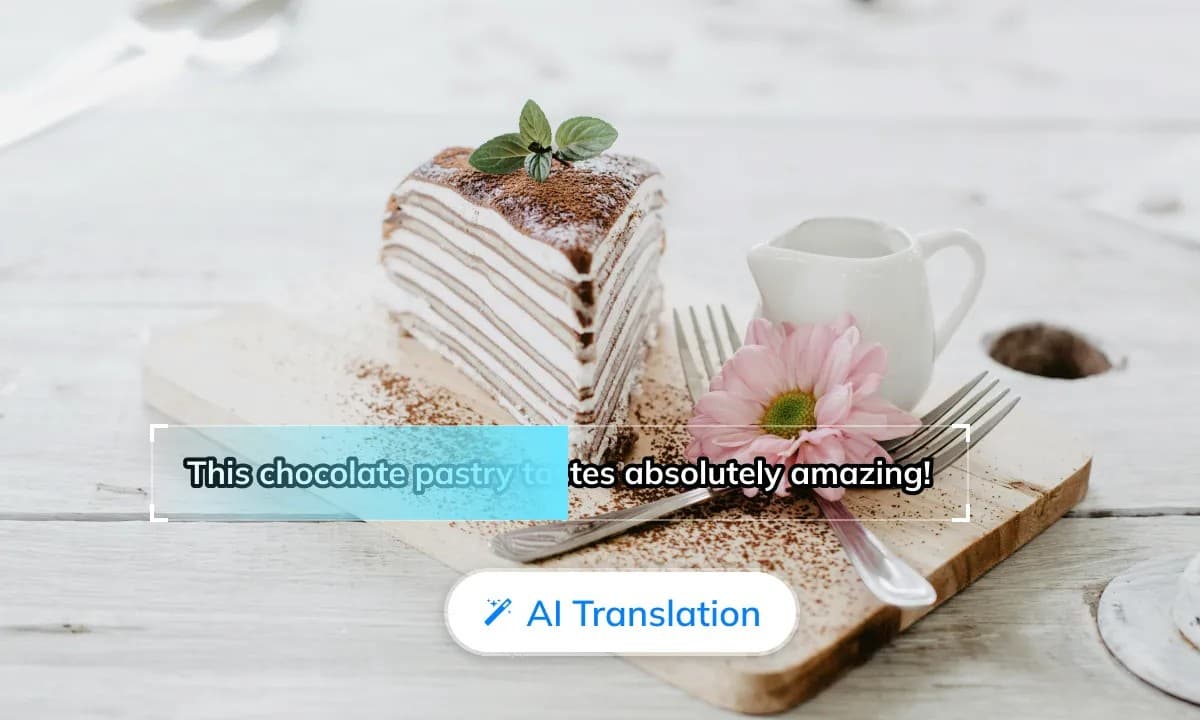
The path to tracelessness: cleaner erasure foundations
Segmentation and inpaint work together to lift original lettering without smearing texture. Gradients, noise, and packaging glare are rebuilt so the canvas stays believable, especially for zoomed PDP assets and print-ready crops.
Translate picture now
From "readable" to "finished": the layout secret
Smart refill respects hierarchy, weight, and alignment instead of dropping a plain caption box. Fonts, line breaks, and emphasis travel with the translation so localized creative still feels on-brand.
Translate picture now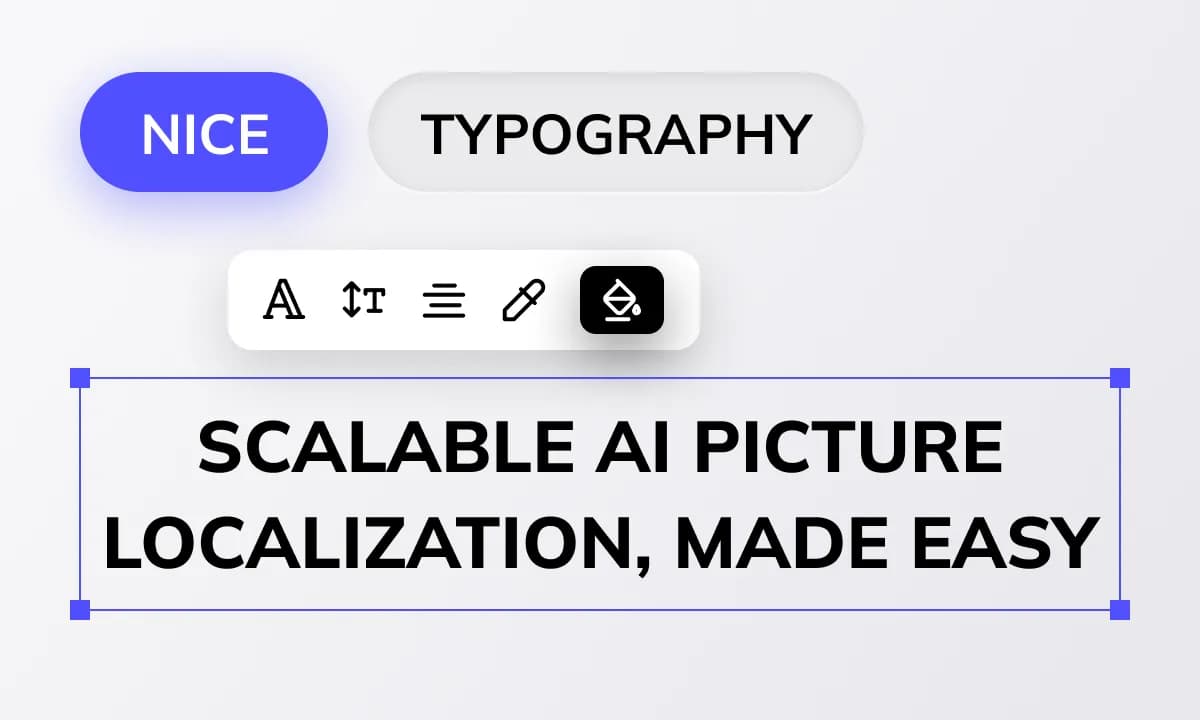
How TranslatePhotos compares with Google, Yandex, and other tools
A practical snapshot for teams that need production-ready photo translation, not just subtitles pasted over a photo.
TranslatePhotos